


Best LMS for Nonprofits in 2026: Top Platforms to Scale Impact

TL;DR
- What it enables: Modern LMS platforms help nonprofits scale training efficiently despite limited budgets and distributed teams.
- What it includes: Course authoring tools, analytics reporting, mobile access, branded experiences, and collaborative discussion features.
- Key elements: Affordability, accessibility features, automated progress tracking, customization options, and nonprofit-specific pricing discounts.
- Top 8 for 2026 include: Disco, Bridge, TalentLMS, iSpring, Moodle, ProProfs Training Maker, Canvas, and Connecteam.
- Why it matters: Enables measurable training outcomes, stakeholder transparency, and stronger community engagement for mission impact.
Why a Modern Learning Platform Matters
Scaling training for nonprofits often comes with unique challenges — limited budgets, small teams, and diverse learners spread across locations. A modern LMS addresses these needs by making it easier to deliver training that fits the organization’s goals. Whether it’s offering flexible self-paced courses or creating live virtual sessions, an LMS ensures training remains accessible and impactful.
Another benefit of an LMS is its ability to track and report learner progress. Automated reporting tools allow nonprofits to measure outcomes and provide data for grant applications, audits, or stakeholder updates. This level of transparency helps organizations demonstrate the value of their programs while identifying areas for improvement.
Additionally, a thoughtful learning platform connects people in meaningful ways. Discussion forums, interactive tools, and collaborative features create opportunities for staff, volunteers, and members to learn together. Stronger connections lead to greater engagement, helping nonprofits build a sense of community while extending their impact to broader audiences.
Key Features to Look For
Course Authoring and Customization
Designing impactful learning experiences starts with flexibility. Look for a platform that empowers you to build courses with ease—whether it’s creating interactive modules, embedding quizzes, or organizing multimedia content. With intuitive tools, you can shape learning journeys that adapt to your audience’s needs, giving every participant a tailored experience that feels relevant and engaging.
Advanced Analytics and Reporting
For nonprofits, visibility into learning outcomes isn’t just helpful—it’s foundational. Platforms with built-in analytics and reporting allow you to track learner progress, measure engagement, and document results. These insights don’t just inform your training strategies; they also support transparency for stakeholders, grant applications, and donor reporting. A platform that delivers actionable data ensures every learning initiative contributes to your broader mission.
Mobile Access and Accessibility
True learning happens when it fits seamlessly into life. A platform with mobile-friendly functionality makes it easy for teams, volunteers, or community members to engage with training on their schedules—whether they’re at a desk or on the move. Beyond mobility, accessibility features like screen reader compatibility or adjustable layouts ensure that learning is inclusive, welcoming individuals of all abilities into the process.
Branded Learning Experiences
Your organization’s identity matters, and your learning program should reflect it. Choose a platform that allows for custom branding—integrating your logo, colors, and design elements into every touchpoint. A cohesive, branded learning environment strengthens trust and reinforces your mission, creating an experience that feels like an extension of your organization’s values.
Explore the Best Learning Platforms for Nonprofits in 2026
Find the top learning management systems tailored to nonprofit needs, focusing on scalability, affordability, and impactful training delivery.
| Platform | Best For | Main Features | Pricing |
|---|---|---|---|
| Disco | AI-powered nonprofit training | AI-assisted curriculum creation, group discussions, automated analytics, branded academies | $359/month for small businesses |
| Bridge | Streamlined onboarding and skills training | Onboarding modules, HR integration, automated scheduling | Starts at $12,500/year |
| TalentLMS | Flexible e-learning for teams | AI content generation, gamification, SCORM compliance | Starts at $109/month |
| iSpring | Multimedia-rich course creation | PowerPoint integration, interactive quizzes, SCORM compatibility | €970/year (iSpring Suite Max) |
| Moodle | Open-source LMS | Custom plugins, multilingual support, competency-based grading | Free or plans starting at $130/year |
| ProProfs Training Maker | Simple course creation | AI-based content suggestions, progress tracking, multilingual support | Free or $1.99/learner/month |
| Canvas | Scalable online learning | SpeedGrader, mobile apps, real-time analytics | Custom pricing based on institution size |
| Connecteam | Mobile-first nonprofit training | Mobile courses, real-time communication, task management | Free for up to 10 users, paid plans start at $29/month |
Affordability and Philanthropic Discounts
Budgeting for technology can be challenging for nonprofits, but that doesn’t mean compromising on quality. Many platforms support nonprofit missions with discounted pricing models, grants, or even free tiers. These options allow organizations to access robust tools without overextending resources, ensuring that you can focus on what matters most—delivering meaningful learning experiences.
Disco
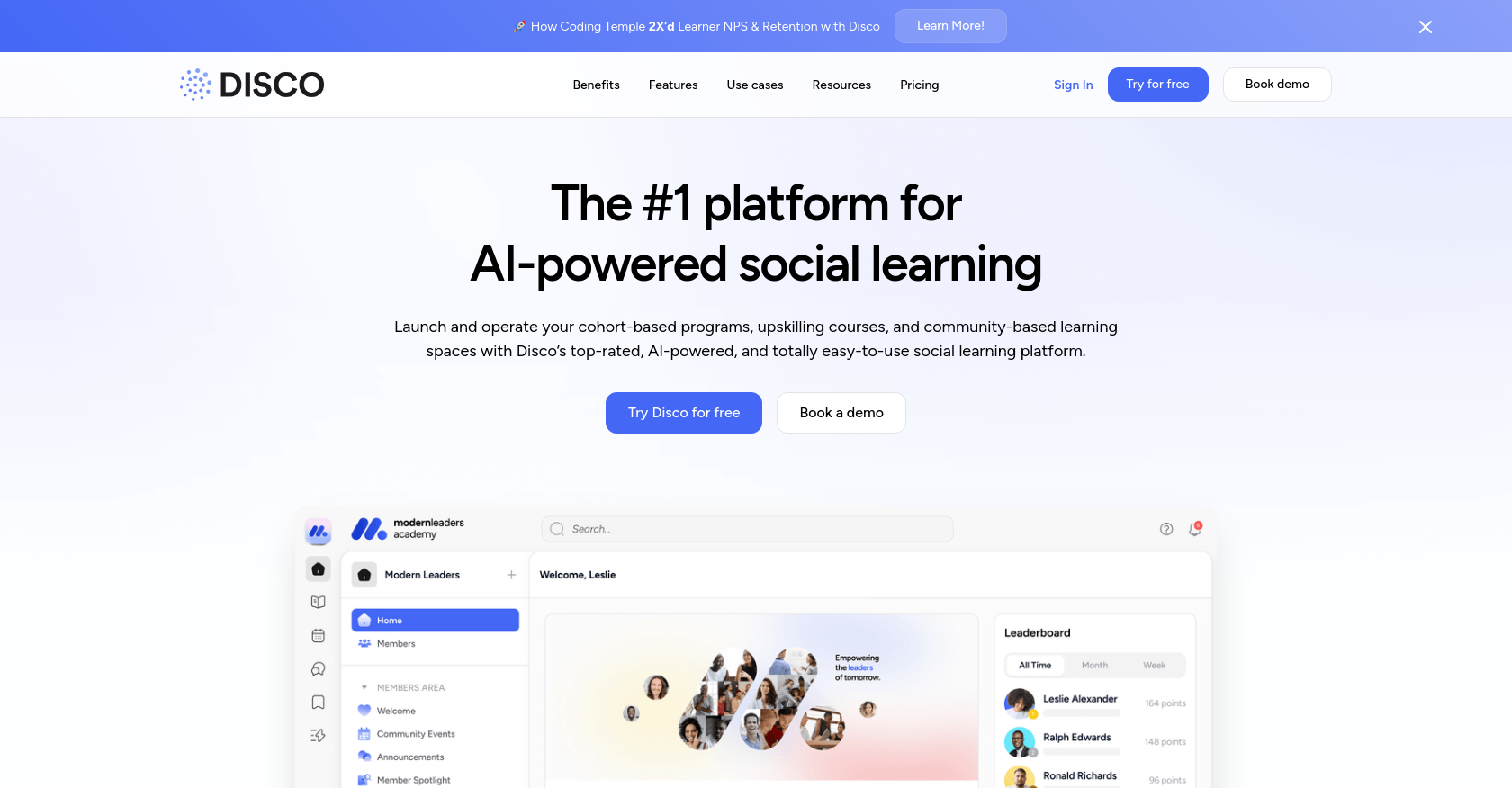
For organizations looking to create impactful learning experiences, Disco offers a seamless, AI-powered platform that simplifies the process from start to finish. With tools designed to streamline content creation, foster collaboration, and automate repetitive tasks, Disco transforms the way teams work together. By bringing volunteers, staff, and donors into a unified space, it builds stronger connections and ensures everyone is aligned toward shared goals.
Disco’s automation capabilities tackle time-consuming admin work like tracking progress, generating reports, or sending updates. This means your team can focus on delivering meaningful programs instead of managing overhead. It’s a practical solution for scaling learning while maintaining the personal touch that builds trust and engagement.
Key Features
-
AI-Assisted Curriculum Creation: Build high-quality learning content in minutes. Disco’s tools suggest structured outlines, interactive activities, and assessments that are tailored to your objectives, removing the guesswork and saving hours of effort.
-
Intuitive Group Discussions: Encourage meaningful conversations with built-in channels, direct messages, and event spaces. These features make it easy to foster collaboration and keep your learning community connected.
-
Automated Analytics: Gain instant insights into learner engagement with participation and completion data. These analytics help you refine your programs and provide clear metrics to share with stakeholders, ensuring your efforts deliver measurable impact.
Bridge
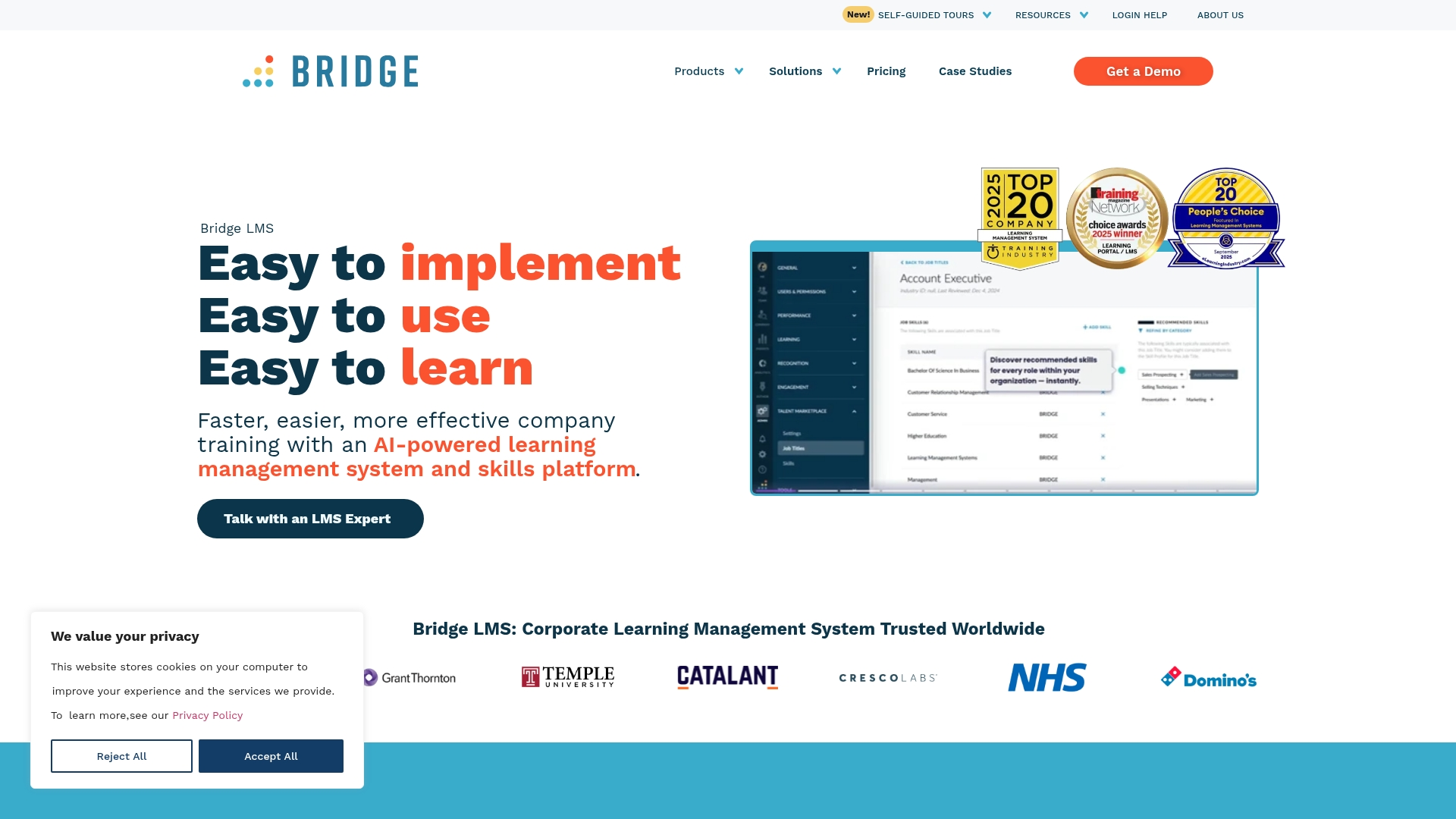
Bridge provides an LMS designed to simplify learning and development while meeting the needs of modern organizations. Its intuitive design ensures that teams can deploy and begin leveraging the platform quickly, reducing the time spent on setup and focusing instead on delivering impactful training experiences.
Bridge focuses on making learning seamless, from onboarding to ongoing development. Automated scheduling and notifications ensure that learners stay on track without requiring manual follow-ups, while integrations with common HR systems streamline workflows, keeping all relevant processes connected.
Key Features
- Onboarding Modules: Centralize onboarding experiences with structured progress tracking, giving every learner a consistent start.
- Automated Scheduling and Notifications: Keep training efficient and learners engaged with reminders that eliminate administrative lag.
- HR System Integration: Connect with existing HR platforms to unify training data and operational processes effortlessly.
TalentLMS

TalentLMS is built to simplify how organizations deliver training—offering flexibility, ease of use, and cost-effective options for teams of all sizes. With its cloud-based structure and tiered pricing (including a free plan for smaller groups), TalentLMS combines accessibility with features that help teams create engaging learning experiences without unnecessary complexity.
Key Features
-
Course Templates for Faster Design
Speed is often the difference between conceptualizing training and launching it successfully. TalentLMS provides built-in templates that help teams structure content quickly and easily. This feature ensures that creating impactful courses—whether for new employees, volunteers, or professional development—feels less like a daunting process and more like a streamlined workflow. -
Motivation through Gamification
Keeping learners engaged over time can be challenging, particularly with optional training programs or volunteer groups. TalentLMS addresses this with tools like badges, points, and leaderboards, encouraging consistent participation. These elements create a sense of achievement that keeps learners coming back and staying active in the program. -
Clear, Actionable Reporting
Data often holds the key to fine-tuning training programs, and TalentLMS provides accessible, real-time analytics to track progress and identify areas of improvement. These straightforward reporting tools enable organizations to make informed decisions, whether they’re refining content or demonstrating program success to stakeholders.
iSpring
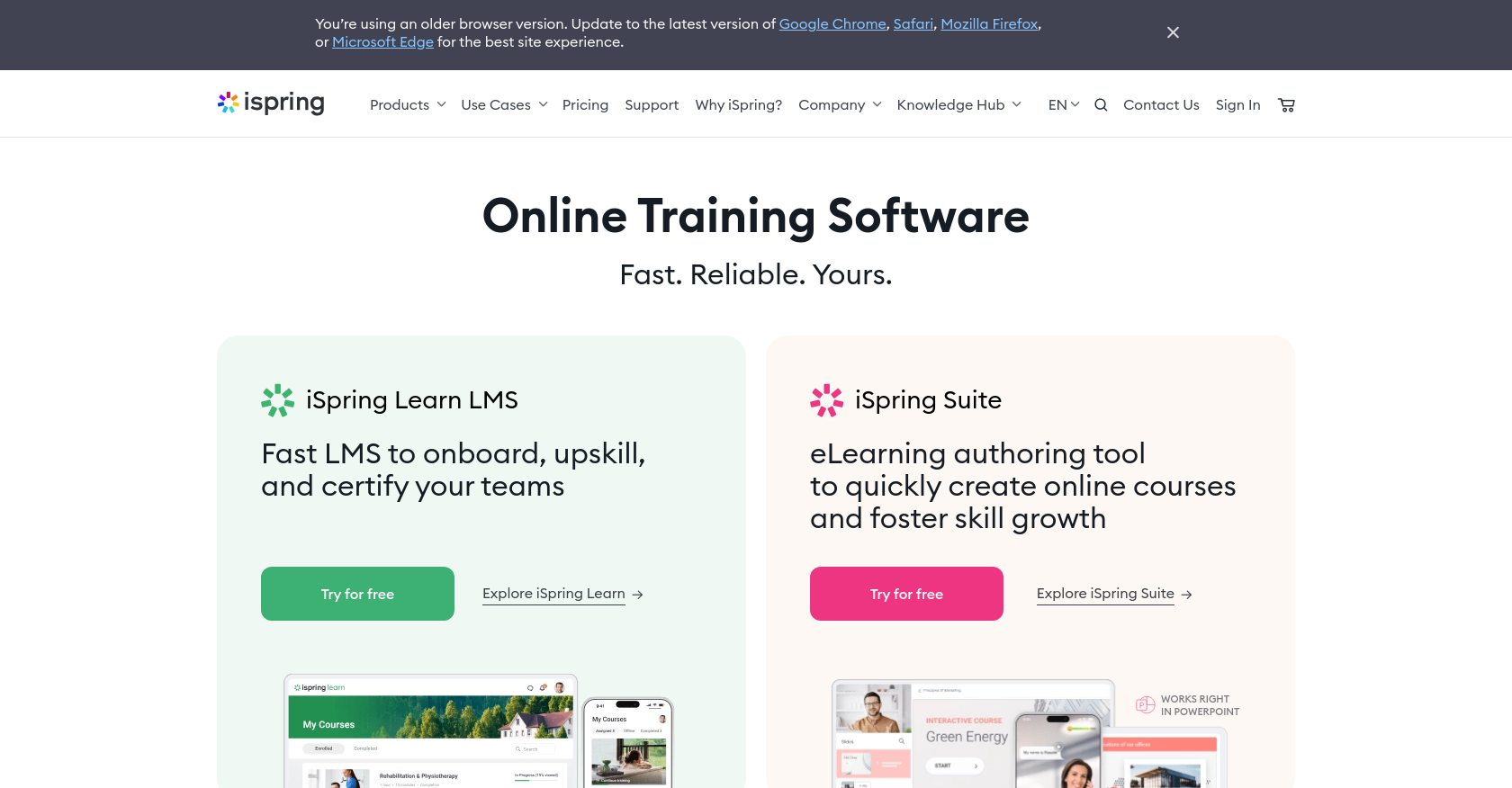
iSpring simplifies the process of launching learning programs, offering tools that prioritize ease of use and speed without compromising quality. It combines robust multimedia capabilities with intuitive features, making it a go-to solution for creating professional, engaging content in record time.
Designed to work seamlessly with tools like PowerPoint, iSpring enables teams to transform existing resources into polished, ready-to-share courses. Whether it’s videos, PDFs, or slide decks, any format can become a dynamic learning experience. Add to that its interactive quiz-building capabilities, SCORM compliance, and straightforward user interface, and you have a platform that adapts to diverse learning needs while staying accessible for all skill levels.
Key Features
- Multimedia Integration: Convert PowerPoint presentations, videos, and PDFs into interactive courses without any technical hurdles. Everything stays intact, from animations to transitions, ensuring a smooth workflow.
- Interactive Quizzes: Build quizzes that go beyond multiple-choice. Use drag-and-drop questions, branching logic, and personalized feedback to keep learners engaged and connected to the material.
- User-Friendly Design: iSpring’s interface is intuitive, eliminating the learning curve for teams. It’s built for educators and learners alike, ensuring accessibility across all levels of expertise.
- SCORM Compatibility: Publish content that aligns with global eLearning standards, making it simple to track performance and integrate with existing learning management systems.
iSpring provides a straightforward yet powerful toolkit that helps organizations create flexible learning experiences. It’s not just about developing content—it’s about delivering it effectively, ensuring every learner stays engaged and informed.
Moodle

Moodle is a platform built for adaptability, offering an open-source foundation that empowers organizations to create highly customized learning environments. Its flexibility means it’s a strong fit for teams ready to leverage technical skills to fine-tune every aspect of their learning experience. From personalized course layouts to unique integrations, Moodle provides the building blocks for organizations looking to shape their LMS entirely around their needs.
For those who prioritize global reach and inclusivity, Moodle’s multi-language capabilities ensure content can resonate with diverse audiences. It’s particularly valuable for teams serving international learners, as the platform enables localized experiences without limitations. While free self-hosting is an option, it requires a dedicated technical team to manage and maintain the infrastructure, which may not suit every organization.
Key Features
- Customizable Plugins: A rich library of plugins allows users to expand functionality, making Moodle suitable for a wide variety of use cases.
- Multi-Language Capability: Ideal for organizations with global learners, Moodle supports content delivery in multiple languages to enhance accessibility.
- Self-Hosting Option: For teams with the technical resources, the platform offers complete control through self-hosting, ensuring flexibility and autonomy.
ProProfs Training Maker
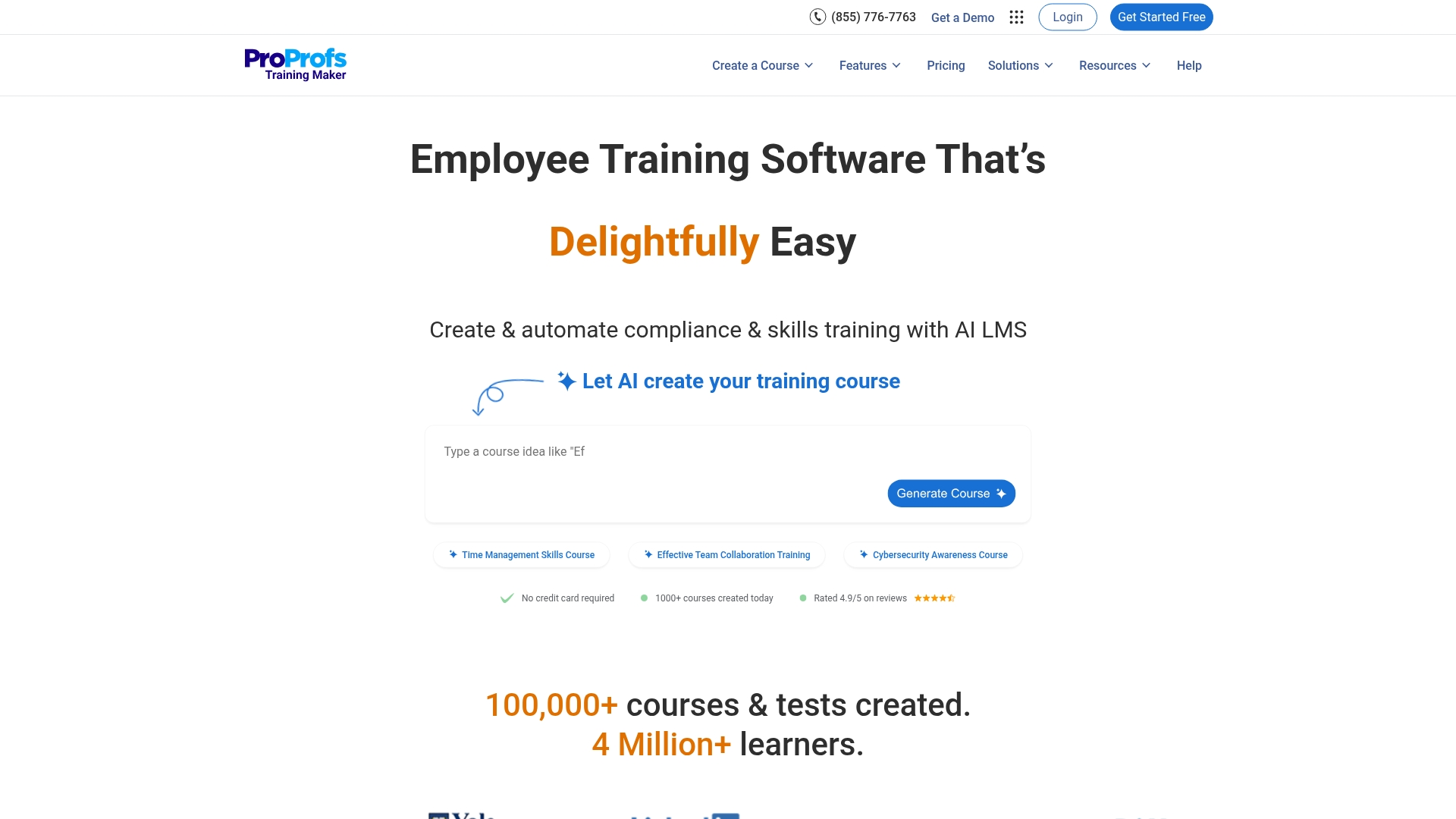
ProProfs Training Maker offers a straightforward approach to online learning design, particularly for organizations that prioritize simplicity and accessibility. Its tools are optimized for quick course creation, making it a practical option for nonprofits, small teams, or volunteer-driven initiatives. With an emphasis on guided learning paths and interactive quizzes, it simplifies the process of delivering focused training programs to any audience.
The platform’s design centers around ease of use, allowing teams to assemble training materials in a matter of minutes. Its AI-powered content suggestions streamline course building by providing tailored recommendations, while automated progress tracking and reminders ensure learners stay engaged. This combination of functionality and efficiency makes ProProfs a valuable resource for teams balancing big goals with limited resources.
Key Features
- AI-Based Content Suggestions: Simplifies course creation by offering intelligent recommendations tailored to the goals of the training.
- Progress Tracking and Reminders: Provides real-time updates on learner activity and automatically nudges participants to complete their assignments.
- Drag-and-Drop Authoring: Enables quick assembly of multimedia-rich courses with an intuitive interface, reducing the time spent on manual tasks.
Canvas
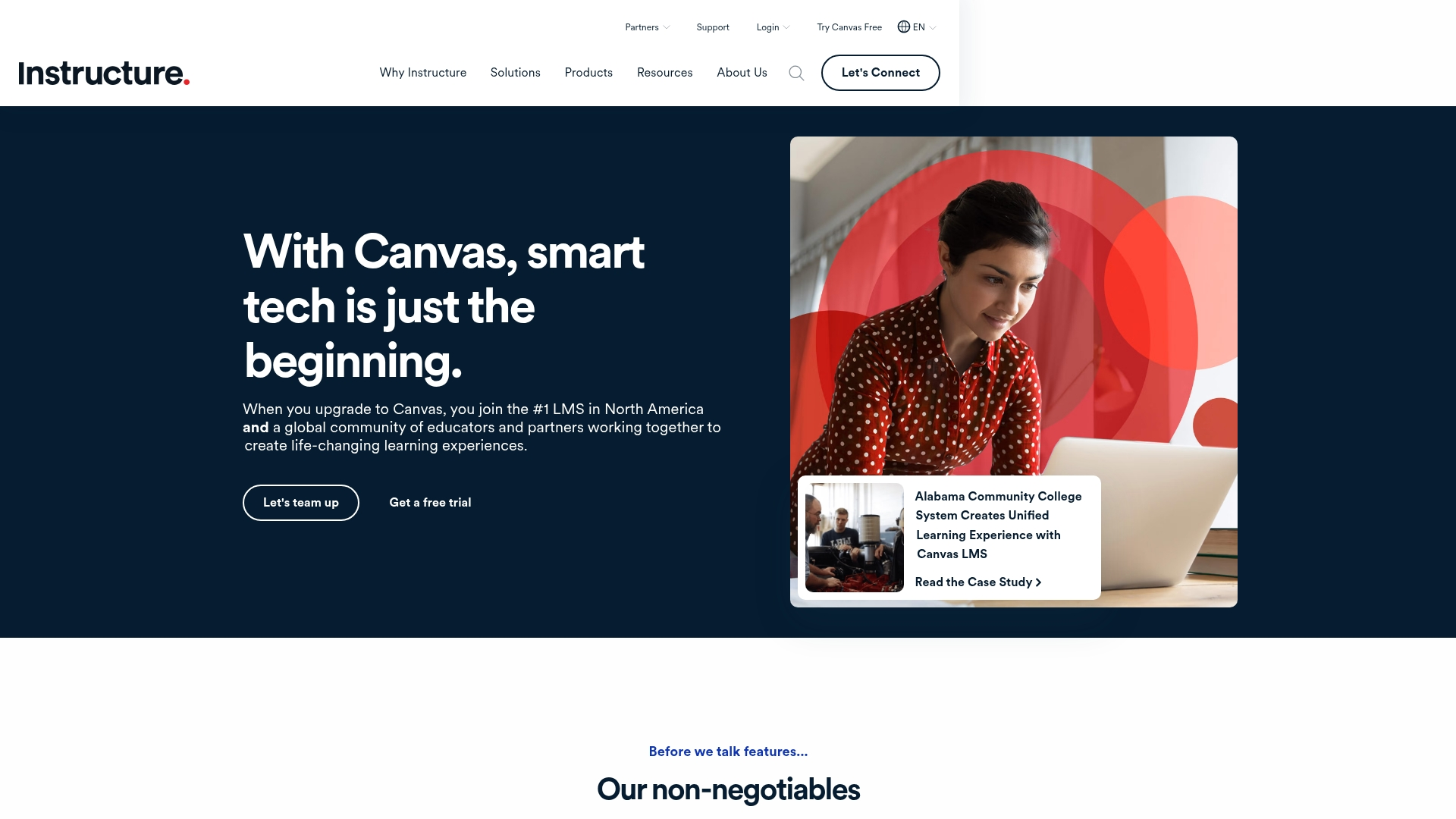
Canvas offers a seamless way to bring learning to life—anytime, anywhere. With its strong focus on mobile accessibility, it ensures learners, educators, and even parents can stay connected on the go. Its design prioritizes flexibility, making it a valuable tool not only for educational institutions but also for nonprofits looking to deliver impactful training programs.
Mobile apps tailored to students, teachers, and parents create an ecosystem where learning fits into real life. For nonprofits, this means volunteers and staff can engage with materials, discuss ideas, and complete training tasks without missing a beat. Educators also benefit from intuitive tools that let them manage courses, provide feedback, and communicate with their teams from any device.
Key Features
- Real-Time Communication Tools: Stay connected with built-in features like announcements, chat, and discussion boards. These tools create a continuous thread of engagement, making it easy for nonprofits to facilitate collaboration across teams and community members.
- Rich Multimedia Integration: Enrich learning with videos, links, and SCORM-compliant resources. Whether it’s sharing a training video or uploading interactive case studies, the platform keeps content dynamic and engaging.
- Gradebook for Progress Insights: Monitor learner progress through a detailed, intuitive Gradebook. Nonprofits can track the effectiveness of their programs, identify areas for improvement, and communicate successes to stakeholders with confidence.
Connecteam
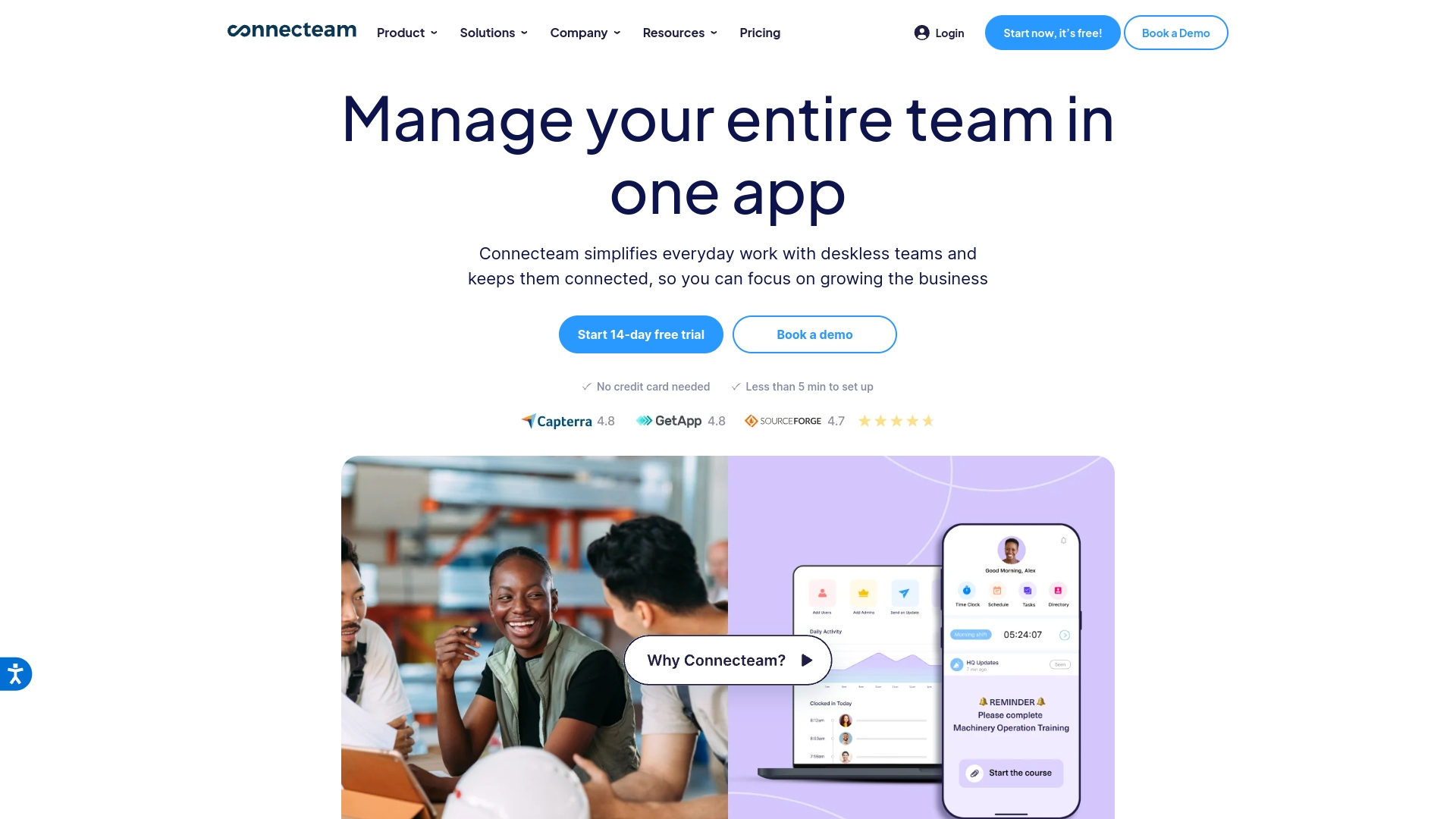
Connecteam supports nonprofits and organizations with distributed teams by offering a mobile-first solution to simplify training, scheduling, and communication. Built for flexibility, it empowers teams to stay connected wherever they are, ensuring seamless collaboration and operational efficiency.
Scheduling and shift management are at the heart of Connecteam’s platform. Whether coordinating volunteers across events or managing staff in multiple locations, the app streamlines logistics with tools like GPS time tracking and automated reminders. It's designed for organizations that need to operate with agility, especially those managing diverse teams on the move.
Key Features
- Mobile Training Modules: Training is delivered directly to users’ devices, allowing team members to learn on their own schedule. This accessibility ensures engagement and retention, even for those balancing multiple responsibilities.
- Interactive Chat and Surveys: Real-time communication tools keep teams aligned and foster collaboration. Surveys provide a direct channel for collecting feedback, creating a two-way dialogue that strengthens team dynamics.
- Simplified Interface for Deskless Teams: Intuitive design ensures that anyone, regardless of technical background, can navigate the platform. This simplicity makes it ideal for nonprofits and organizations with volunteers or staff who need quick, straightforward access to tools and information.
Making the Right Choice for Your Mission
Choosing the right LMS for your nonprofit doesn’t have to feel overwhelming. Start by getting clear on your goals: Are you onboarding volunteers, upskilling staff, or educating your community? Knowing what success looks like for your programs will focus your search. Next, consider what matters most—community engagement, smart analytics, or ease of use? Thoughtful prioritization will keep your decision aligned with your mission and budget.
When you’re ready to explore options, don’t underestimate the power of experience. Interactive demos are an invaluable way to see how a platform aligns with your needs. Book a demo to see how Disco’s AI-driven tools bring simplicity and impact to learning at nonprofits.


