


How to replace your LMS without losing data
TL;DR
83% of data migration projects fail or exceed budget. The main reasons are inadequate planning, skipping data cleanup, and underestimating integration complexity. This guide covers a step-by-step approach to LMS migration that protects your data, reduces internal workload, and sets up your new platform for success from day one.
Organizations replace their LMS every three to six years on average. The decision to switch is usually straightforward. The execution is where most migrations run into trouble. Research puts the failure rate of data migration projects at 83%, driven by inadequate planning, poor data hygiene, and integration complexity that surfaces after the move has already started.
The risks are real. Incomplete learner records, broken compliance histories, and reconnecting integrations can consume hundreds of internal labor hours. Organizations lose an estimated $1.5 million annually to poor data quality issues. A migration that takes twice as long as planned stalls new program development and disrupts the learners currently in active programs.
None of this is inevitable. The organizations that migrate successfully treat it as a structured project with defined phases, not a bulk data transfer followed by cleanup. Here's how to approach it.
Step 1: Audit and clean your data before moving anything
The fastest way to reduce migration complexity is to reduce the volume of data being moved. Before transferring records, conduct a thorough audit of your current system. Identify what's essential for compliance, reporting, and historical context, and what can be safely archived or deleted.
Archive courses that haven't been assigned in the past 12 to 18 months. Remove duplicate user accounts, outdated roles, and obsolete automation rules. Deactivate users who left the organization. This cleanup prevents legacy clutter from polluting the new system and significantly shortens QA time. Whatever state your data is in when you move it is the state it'll be in when you land.
Step 2: Define your reporting and integration requirements first
Reporting problems are the most common post-launch surprise. Historical data structures don't always map cleanly to a new platform's dashboard architecture, and discovering this after migration means manual reconciliation work that teams weren't budgeted for.
Document your required data fields and identify the core reports your leadership team relies on most before migration begins. Validate how each field maps to the new system. Do the same for integrations. Your LMS likely connects to an HRIS, SSO provider, and payment gateway. These connections need to be documented, rebuilt, and tested. Integration failures don't announce themselves until an automated workflow breaks at the wrong moment.
Step 3: Choose a platform built for where you're going, not where you've been
Migration is a rare opportunity to upgrade learning architecture rather than just swap infrastructure. The most common mistake is selecting a new platform based on feature parity with the old one. That logic replicates the limitations you're trying to escape.
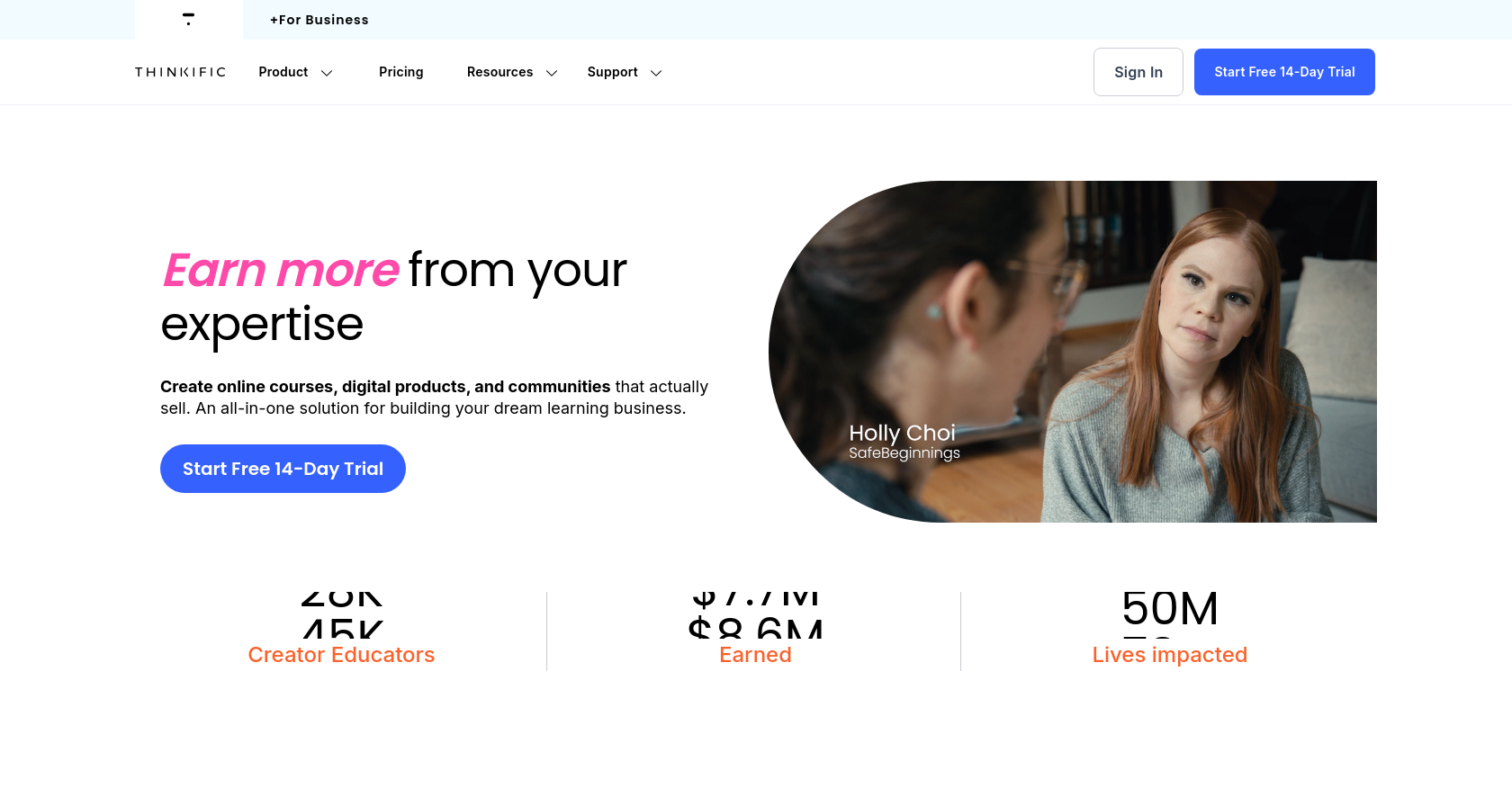
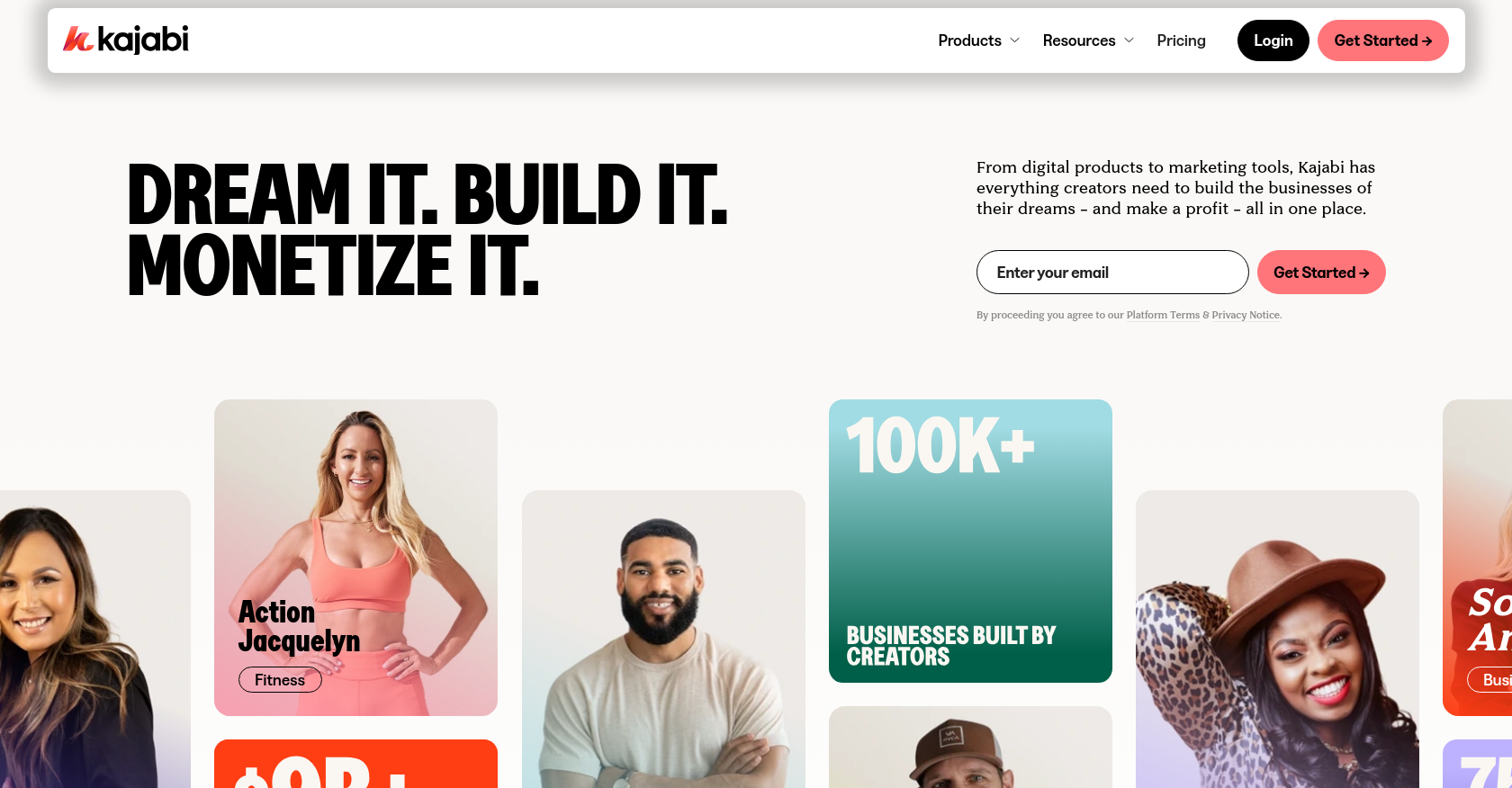
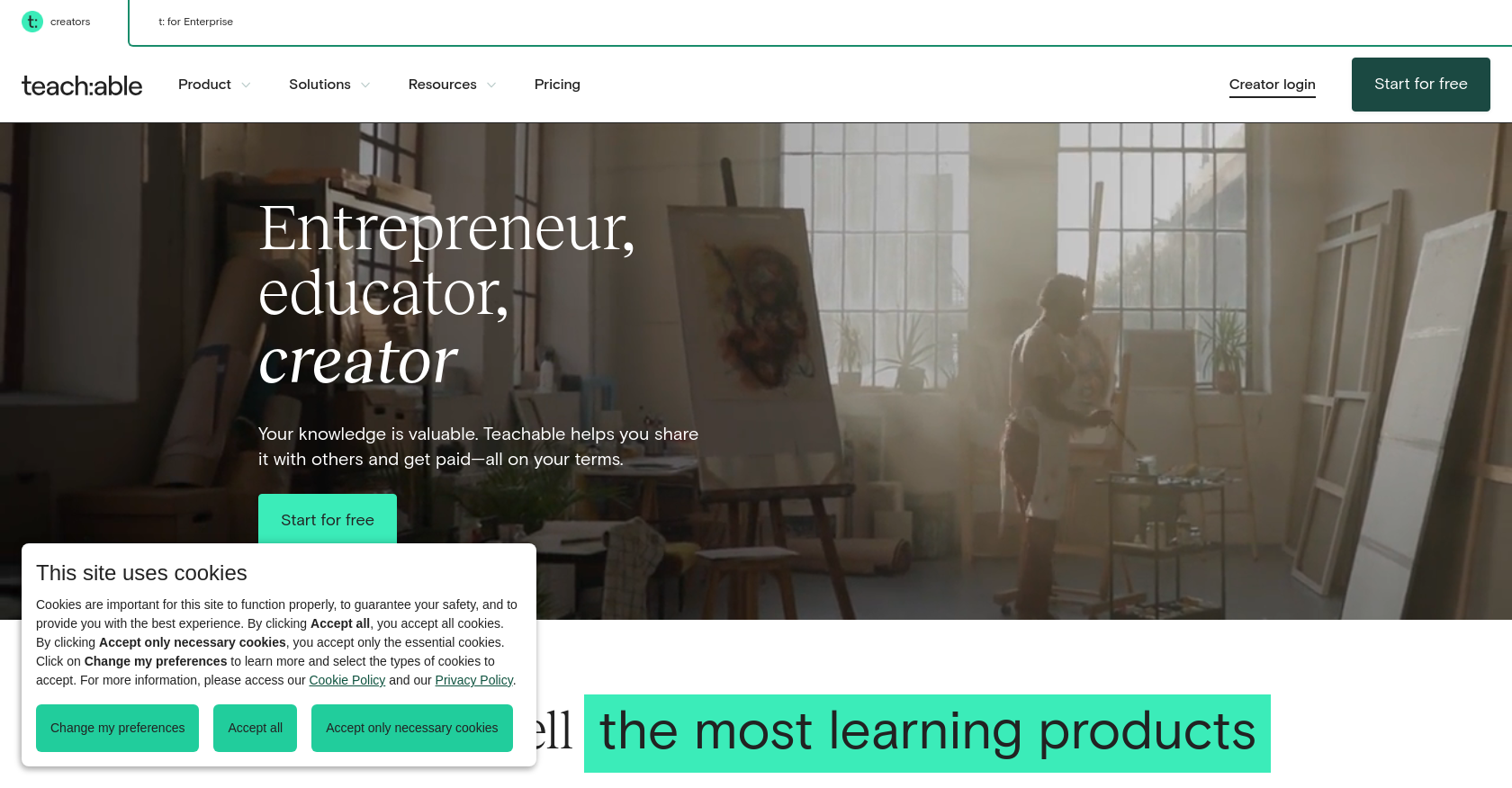
Traditional platforms like Thinkific, Kajabi, and Teachable offer standard course creation but lack community features for genuinely engaging experiences.
Enterprise platforms like Docebo and 360Learning handle compliance and scale but can be complex to operate for lean teams.


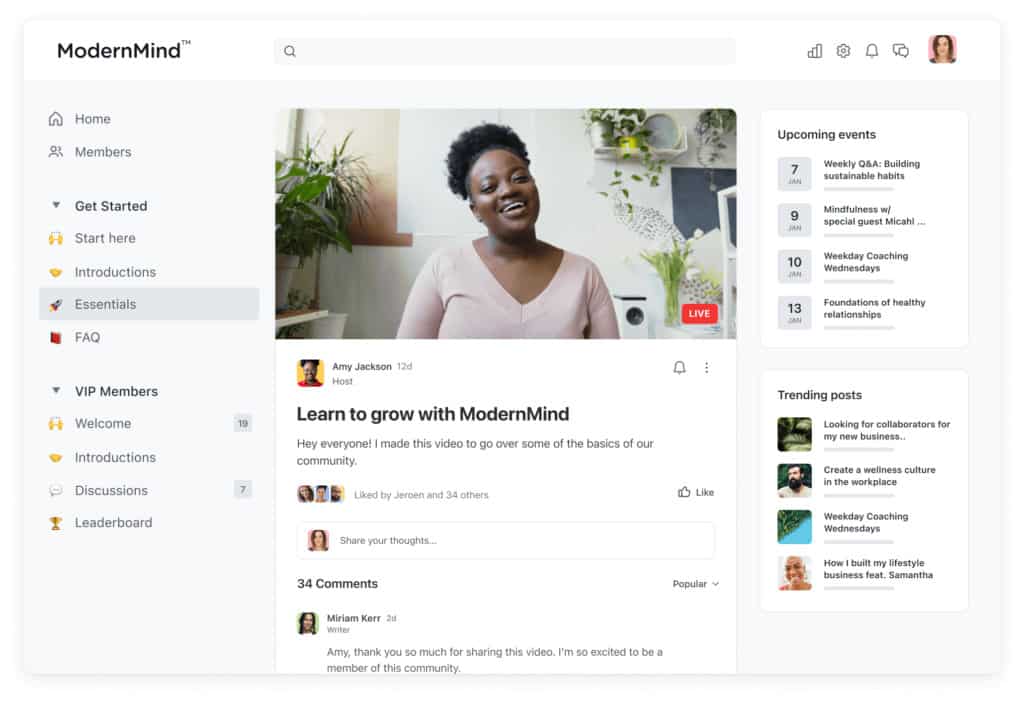
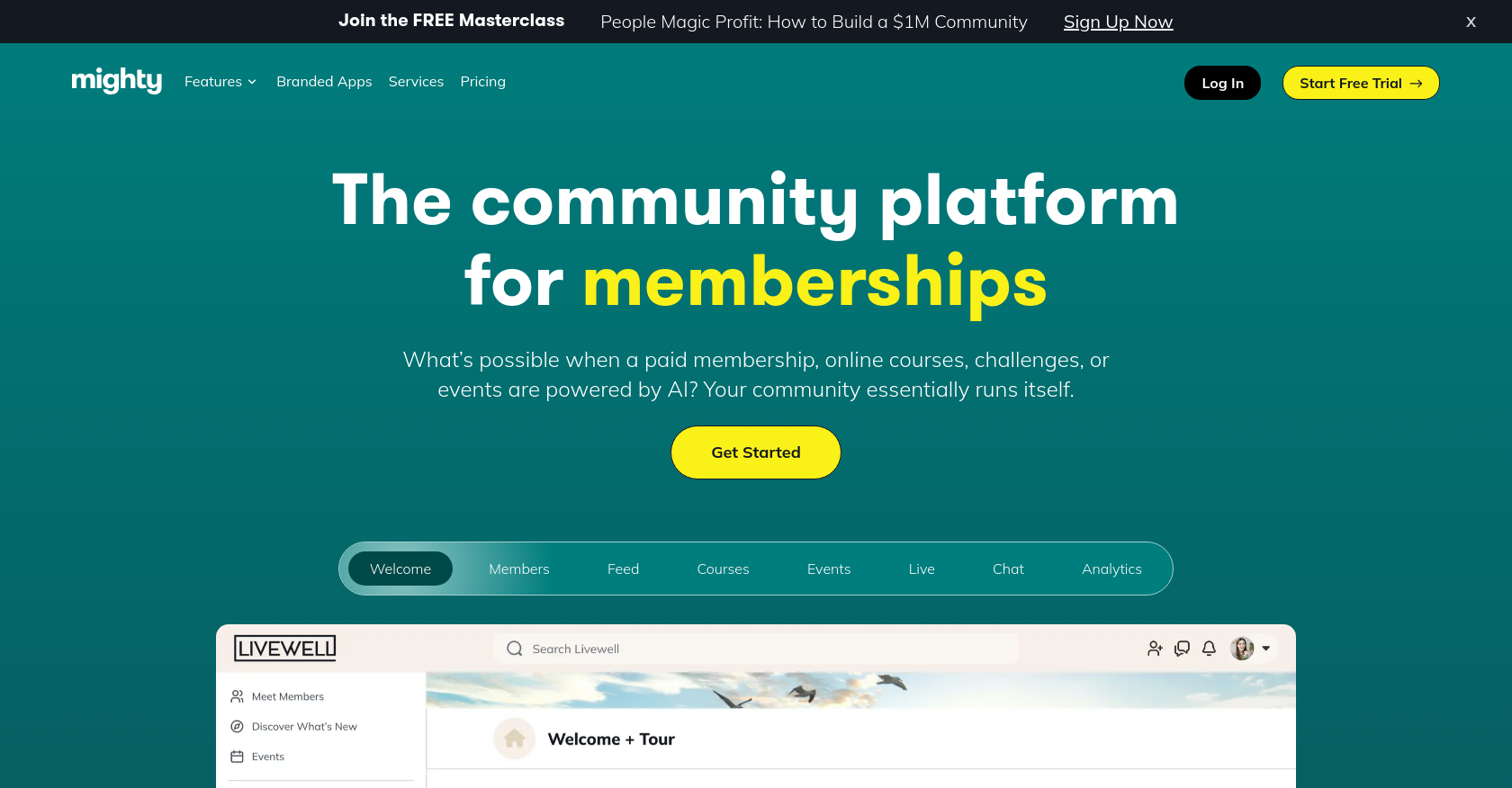
Community platforms like Circle and Mighty Networks excel at discussion but lack the learning management depth that structured programs require.
Our guide to essential LMS features for effective learning covers the specific capabilities worth prioritizing when evaluating where to land.
Disco is built for organizations that need cohort-based programs, community tools, and AI automation in one platform. The AI Canvas generates programs in minutes from existing knowledge. Ask AI handles 24/7 learner support. Automated workflows manage the operational layer that most teams spend hours maintaining manually.
The Octopus Movement, a global network connecting 9,000+ members across 30+ countries, brought scattered platforms into a single Disco hub, consolidating community, events, and learning into one cohesive environment. Read the Octopus Movement story.
Explore the full Disco AI suite, or see how it fits your use case in minutes.
Step 4: Execute the migration with structured support
Data migration should not be a solo internal effort. The technical complexity of moving databases, course libraries, and organizational hierarchies is best handled in partnership with a vendor that has done it before. When the migration workload shifts to your support team, your internal team stays focused on operations and learner experience.
A phased approach reduces risk. Keep the legacy system active while the new platform is configured and tested. Execute a final data sync and cutover during off-peak hours once QA is complete. Most well-planned migrations result in less than four hours of actual system downtime.
Step 5: Test rigorously before launch, then drive adoption
Before going live, verify that all user records, completion histories, and certifications transferred accurately. Test every integration: automated enrollments, data syncs, payment flows, SSO. Involve stakeholders from multiple departments in testing to catch issues that a single team would miss.
Once validated, focus on user adoption. Provide administrators, instructors, and learners with clear guidance on what's new and where to find things. Frame the migration as an upgrade. The learners who engage with the new platform early become internal advocates who reduce the support burden on your team during the transition window.
Signs it's time to migrate
If you're unsure whether your current platform is the constraint, these are the clearest signals. You're spending significant time on manual administrative tasks that should be automated. Completion rates are low because the platform lacks the social and community features that drive engagement. Learners complain about a fragmented experience from piecing together your course tool with a separate community platform. You're hitting product limits that require an expensive plan upgrade to add more content. Your integrations are held together with manual workarounds that break periodically.
Any one of these is a strong signal. All of them together means the platform is actively costing you learner outcomes and operational capacity.
Conclusion
Replacing an LMS without losing data comes down to planning, sequencing, and choosing the right destination. Organizations that migrate successfully treat data cleanup as a prerequisite, not an afterthought. They define their reporting requirements before touching a single record. And they choose a platform built for the learning model they're actually running.
The migration is the hard part. What comes after, programs that create genuine learning outcomes without constant administrative intervention, is what makes the investment worth it. See how Disco approaches migration and what life looks like on the other side.
FAQs
How long does an LMS migration typically take?
A well-planned migration for a mid-sized organization typically takes eight to twelve weeks. Choosing a vendor with structured migration support accelerates this considerably. The main variables are data volume, integration complexity, and how much cleanup is required before the move begins.
What's the most common cause of data loss during a migration?
Inadequate planning and skipping data cleanup. Transferring outdated, duplicate, or corrupt records causes mapping errors and system conflicts in the new platform. A thorough pre-migration audit is the single highest-leverage step in preventing data loss.
Do I need to migrate all historical data?
No. Archive obsolete courses, inactive user accounts, and outdated compliance records. Only migrate data that's required for current operations, active reporting, and legal compliance. Reducing data volume before the move reduces migration time, QA scope, and the risk of importing problems into the new system.
How do I ensure integrations work after the switch?
Document all existing connections before migration begins. Choose a platform with strong API capabilities and pre-built connectors for your stack. Test all automated workflows and data syncs in a staging environment before the cutover. Integration failures caught in staging are far less costly than failures in production.
Will learners experience downtime during the transition?
With a phased approach, downtime can be minimized to a few hours. Keep the legacy system active while the new platform is configured and tested. Execute the cutover during off-peak hours once everything is verified. Most well-planned migrations result in minimal disruption to active learners.
How does Disco handle migration for new customers?
Disco provides structured support to map existing data, configure integrations, and validate user records before go-live. The collaborative approach shifts the technical workload away from internal IT teams and ensures data is preserved accurately through the transition.


