


What Should You Check Before Committing to an LMS Integration?
TL;DR
What should you check before committing to an LMS integration? With the average company running nearly 900 apps and only 2% fully integrated, prioritize CRM and HR sync, automated triggers, team communication tools, no-code vs. developer-required setup, and content/file interoperability: the things that actually determine whether the platform plugs into your stack or becomes one more silo.
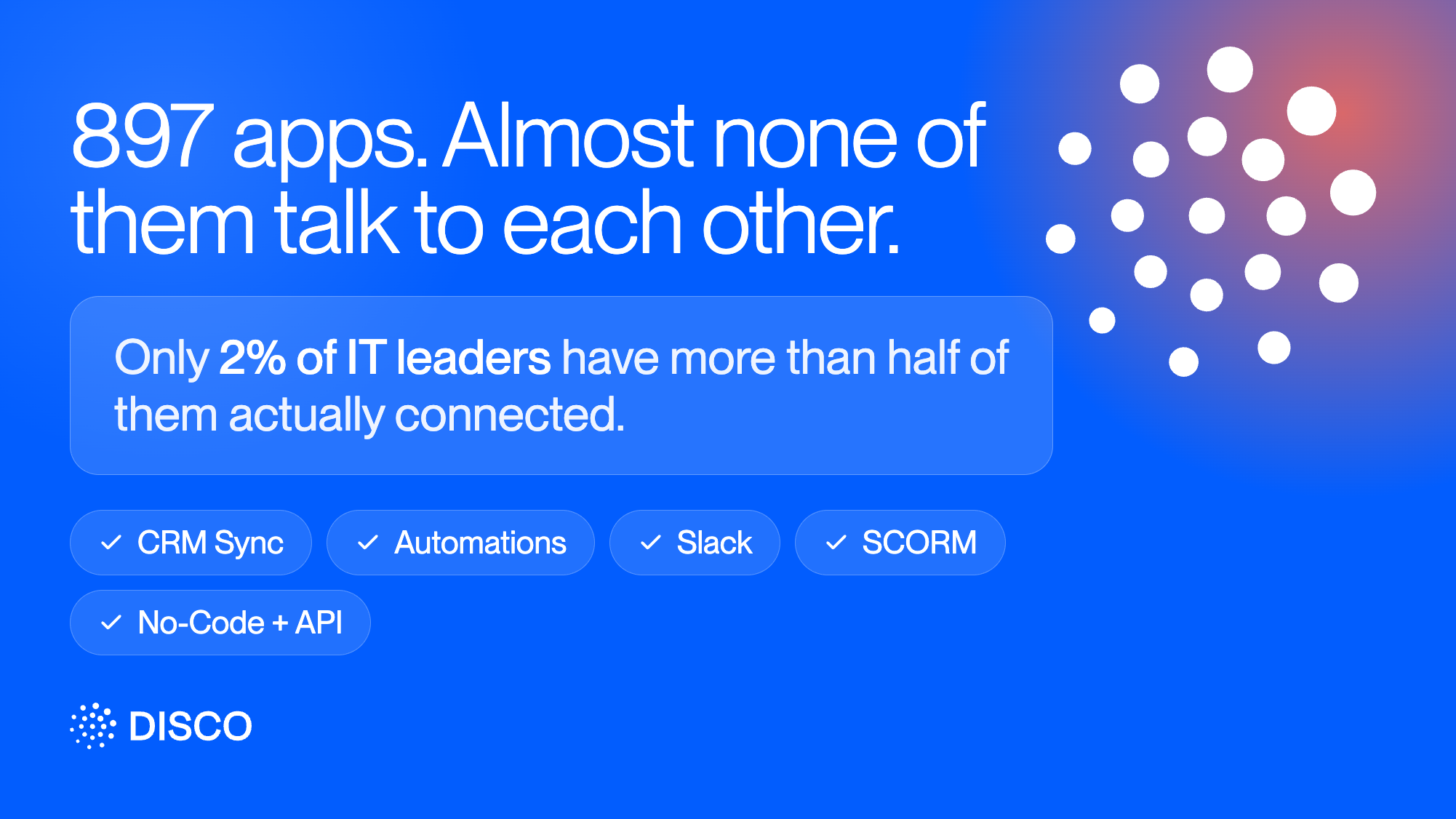
The average enterprise now runs 897 different software applications, and according to Salesforce's 2025 Connectivity Benchmark Report, only 2% of IT leaders say their organization has successfully integrated more than half of them. Learning platform integrations are rarely the center of that stack.. It's one more application that either plugs into everything else you run, or becomes one more silo someone has to manually bridge.
That bridging work has a real cost. McKinsey research found that knowledge workers spend nearly two hours a day, more than nine hours a week, searching for information scattered across tools, drives, and inboxes. Every system that doesn't talk to the others adds to that pile.
Here's what actually matters when you're evaluating LMS integrations against everything else you run.
1. CRM and HR system sync
An LMS CRM integration is usually the single highest-value connection to check first: can a change somewhere else, a new hire showing up in your HR system (Workday, BambooHR, Rippling), a deal moving stage in your CRM (HubSpot, Salesforce), automatically trigger the right action in your training platform? It removes the most repetitive manual step: someone noticing a change and re-entering it somewhere else by hand.
Push the question further than "does it connect": ask whether the sync runs one direction or both. A platform that can add someone to a Program when a CRM deal closes is useful. One that can also push completion status back into the CRM, so a sales or CS team can see training progress without opening a second tool, is a meaningfully bigger integration than it first looks like.
2. Automated triggers between systems
Beyond CRM and HR, check what triggers a platform actually supports: does it fire on a member completing a course, joining a group, or going inactive, and can that trigger take an action in another system entirely? A platform with rich internal automation but no way to connect that automation to your other tools is still an island, just a well-organized one.
Also worth checking: can a trigger branch based on conditions, or is every automation a single blunt action? A platform that can only send the same nudge to everyone who's gone inactive treats a member who finished the course the same as one who's genuinely behind. One that can check completion percentage before deciding what to send is doing real filtering, not just automation for its own sake.
3. Team communication tools
If your team runs on Slack or a similar tool, check whether the platform can post updates, send direct messages, or add and remove people from channels automatically based on what's happening in the training platform. This sounds minor until you're the person manually forwarding "someone finished onboarding" messages every week.
Check the direction here too: most platforms handle training-to-Slack fine (a member completes a program, a channel gets notified). Fewer handle it the other way, using Slack activity or channel membership as a trigger for something inside the training platform itself.
4. No-code versus developer-required integration
Some integrations should be buildable by an admin in an afternoon. Others genuinely need engineering time. Check which category each of your must-have integrations falls into before you commit; a platform that requires a developer for every connection point will bottleneck on your engineering team's time, not your admin's.
This matters most when requirements change, not on day one. A no-code integration built through a visual workflow tool can be edited by an admin in minutes when a trigger or action needs to change. A custom API integration means every future change waits on developer bandwidth again, which is a fine tradeoff for something highly specific, but a bad one if it turns out to be true for cases that should have been simple.
5. Content and file interoperability
Can content actually move in and out of the platform, from existing repositories like SharePoint or Google Drive, and back out again for reporting? This is the integration category most likely to have a real gap, worth testing directly with your actual files rather than trusting a feature list.
Two separate questions hide inside this one. The first is import: can your actual file types, not just the common ones a demo shows, come in without manual reformatting. The second is export: once data and content live in the platform, can you get structured data back out for reporting elsewhere, or does it stay locked in, which just relocates the silo problem instead of solving it.
How Disco handles this
A few of these map directly to how Disco is built. Worth being straightforward about where the honest limits are too.
CRM, HR, and general automation
This is Disco's LMS Zapier integration, and it connects to more than 5,000 other apps, including HubSpot, Salesforce, and most common HR platforms, with triggers built around real events: a member joining or completing a Program, completing a curriculum module, going inactive, or joining a group. Each trigger can fire an action like adding someone to a Program or Pathway, removing them, or pulling their profile data into another system. That covers the CRM and HR sync case directly: a change in an external system can enroll or remove someone in Disco without anyone touching the platform by hand.
Read more about Disco's Zapier integration →
For HRIS sync specifically, Disco answers the directionality question directly: Profile Fields API Sync is a two-way sync of profile fields and custom fields between Disco and your HRIS, not a one-directional push. It runs through the same REST API, reading and updating member profile data via the profile_fields parameter, so a change made in either system can reflect in the other. It's an Enterprise feature, and it requires an API key created in Admin Area → Settings → API. Full endpoint reference is at the
Disco API docs →
Team communication
Automations can post a message to a Disco channel, send a Slack direct message as the Disco bot or as yourself, and add or remove someone from a Slack channel automatically based on the same triggers above. Messages support macros too, so a Slack DM triggered by a Program completion can pull in the member's name and the Program name automatically, rather than needing a separate message written for every Program.
Read more about Disco's Slack integration →
.avif)
Identity and access, if that's on your integration list too
SSO isn't a content or data integration in the sense of the rest of this checklist, but it's the other connection IT usually asks about. Disco supports Enterprise SSO through Okta, Microsoft Entra, Google Workspace, MiniOrange, or any SAML 2.0 identity provider. The LMS security checklist covers this in full if that's part of what you're evaluating.
Read more about Disco's SAML SSO →
Disco's API, in more detail
The API covers more ground than membership actions alone: adding or removing Members, Admins, or Managers from an Academy or Program, managing Member Group membership, creating invites and magic login links, and listing Programs, Pathways, Groups, and Members. It can also pull basic engagement data for reporting elsewhere, which answers the export half of the file interoperability question from earlier.
There's also a completion endpoint that can mark a Program, module, or curriculum item complete for an existing Member, including a backfill mode built specifically for importing historical completion records without triggering notifications, automations, or webhook and Zapier events. Two things worth knowing before you plan around it: the API is available on the Enterprise plan only, and backfilled completions specifically skip certificate issuance, so it handles the completion-history side of a migration but not certificate recognition on its own.
Read the full API documentation →
Content and file interoperability, honestly
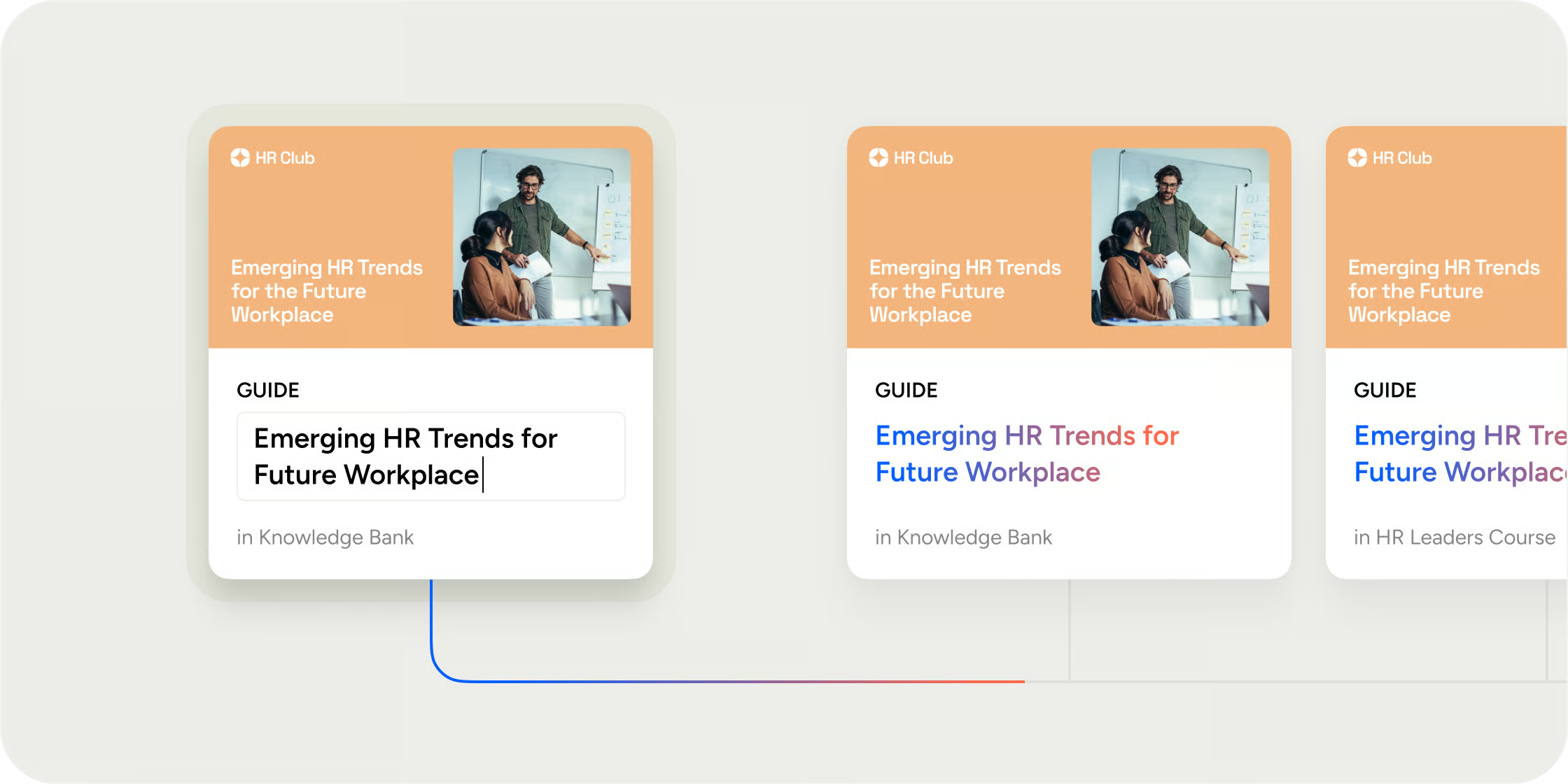
This is the one area worth flagging directly rather than glossing over. Disco doesn't have a native, drag-and-drop connector to repositories like SharePoint. If your content lives there today, moving it into Disco currently goes through the platform's own upload and AI-generated curriculum tools rather than a live sync. For most teams doing a one-time content migration, that's a non-issue. For teams that need content to stay continuously synced between Disco and an external repository, that's a real gap worth planning around, not something to assume will just work.
Read more about content in Disco →
SCORM content
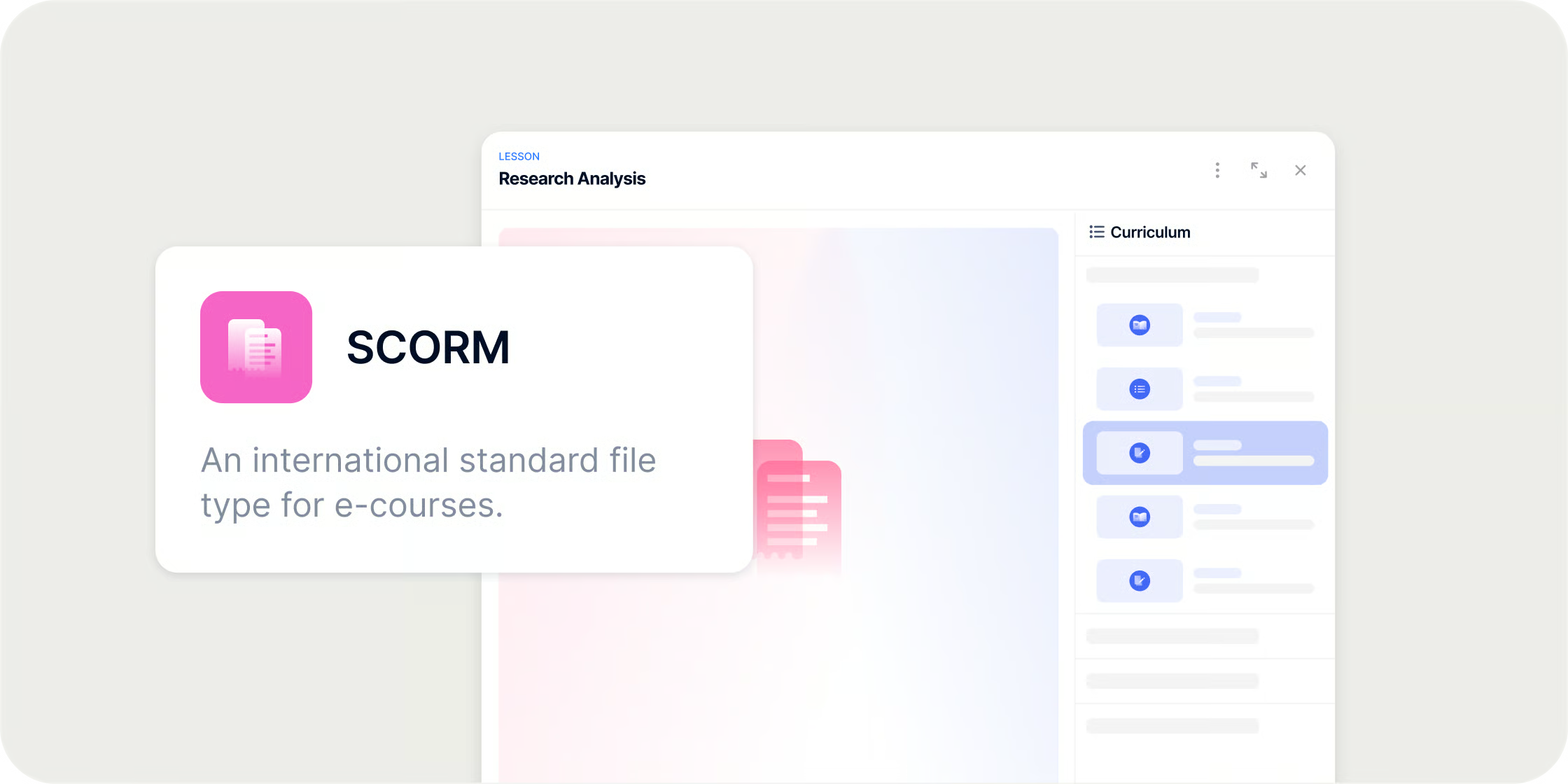
SCORM runs as an embed block inside Disco's editor and tracks completion and score data automatically, but on its own, a SCORM package is a closed unit, members can complete it, but the content inside isn't otherwise connected to the rest of the platform. Upload a transcript alongside the SCORM activity, though, and Ask AI can read it, which means members can ask Ask AI questions about that SCORM content just like they can with any other uploaded document or video. It's a workaround rather than a native integration, SCORM packages don't expose their content to Disco automatically, but it closes most of the practical gap for teams that want their existing authored content to be searchable and queryable rather than sitting inert inside a package.
Read more about SCORM in Disco →
LMS integration FAQ
What is LMS integration?
LMS integration is the connection between a learning platform and the other software a team already runs, like a CRM, HR system, communication tool, or content repository, so data and actions can flow between them automatically instead of being re-entered by hand in each system.
What systems should an LMS CRM integration cover?
The systems worth prioritizing are the ones tied to your most repetitive manual task: a CRM or HR system if you're manually enrolling people based on changes there, a communication tool like Slack if you're manually forwarding updates, and a content repository if you're manually re-uploading the same files. Not every integration matters equally, the right list depends on where your actual admin time goes.
What's the difference between an LMS API integration and a tool like Zapier?
A Zapier-style integration is no-code: an admin connects triggers and actions through a visual builder, typically covering common cases like adding or removing someone from a program based on an event elsewhere. An API integration is code-based and built by a developer, used when the logic is more custom than a no-code tool supports, or when you're building the connection directly into your own internal systems.
Can an LMS integrate with a CRM?
Yes, typically through a no-code connector like Zapier or a direct API integration. The common pattern is a CRM stage change, like a deal closing, triggering enrollment in the right training Program automatically, removing the need for someone to manually cross-reference the two systems.
Does LMS integration require a developer?
Not always. Most common integrations, adding or removing members based on a trigger, syncing with a CRM or HR system, posting to a communication tool, can be built no-code through a connector like Zapier. A developer becomes necessary when the logic is more custom, or when you want the integration built directly into your own systems via an API rather than through a third-party workflow tool.
What can a learning platform's API actually do?
It depends heavily on the platform, so this is worth confirming directly rather than assuming. At minimum, look for member and access management (adding, removing, and inviting people), the ability to list Programs, Groups, and enrollments, and a way to pull engagement or completion data back out for reporting elsewhere. Some platforms also support a backfill or historical-import mode for completions, which matters specifically if you're migrating from another system and need existing completion records to carry over without triggering a flood of notifications to people who finished the work months ago.


