


What Should You Check Before Migrating to a New LMS?
TL;DR
What should you check before migrating to a new LMS? Verify what happens to your content, certificates, member roles, and compliance posture: the risk isn't the technical cutover itself but the details most teams don't think to confirm until weeks after go-live.
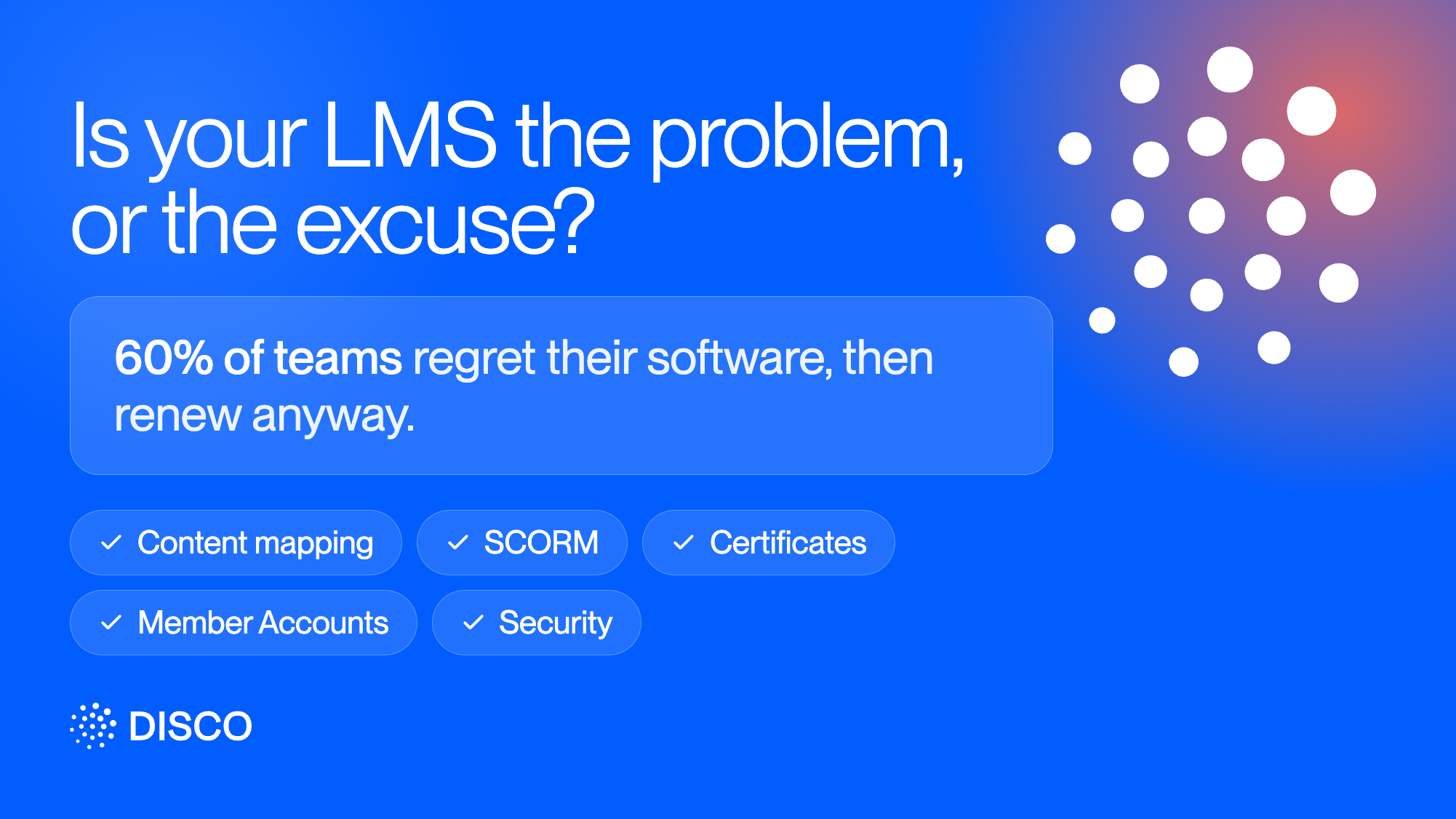
A 2023 Gartner survey of technology buyers found something that should give any L&D lead pause: 60% of the people involved in deciding whether to renew or expand a software contract admitted they regret nearly every purchase they make, and renew anyway. Not because the product is good, but because switching feels riskier than staying stuck.
Most LMS migration advice focuses on the technical cutover. Fewer people talk about the checklist that actually determines whether the move goes smoothly: what happens to your content, your members, your certificates, and your compliance posture in the process. Skip any one of these and you find out the hard way, usually a few weeks after go-live.
Here's the checklist worth working through before you start an LMS migration project plan, not after.
1. Content mapping
Does your curriculum structure translate directly into the new platform, or does it need restructuring? This is the single biggest source of "we didn't expect this" during an LMS data migration. If your existing content is a pile of PDFs, videos, and decks rather than a platform-native course, look for a migration path that can turn that raw material into a structured curriculum automatically rather than requiring a manual rebuild.
2. SCORM and existing multimedia content
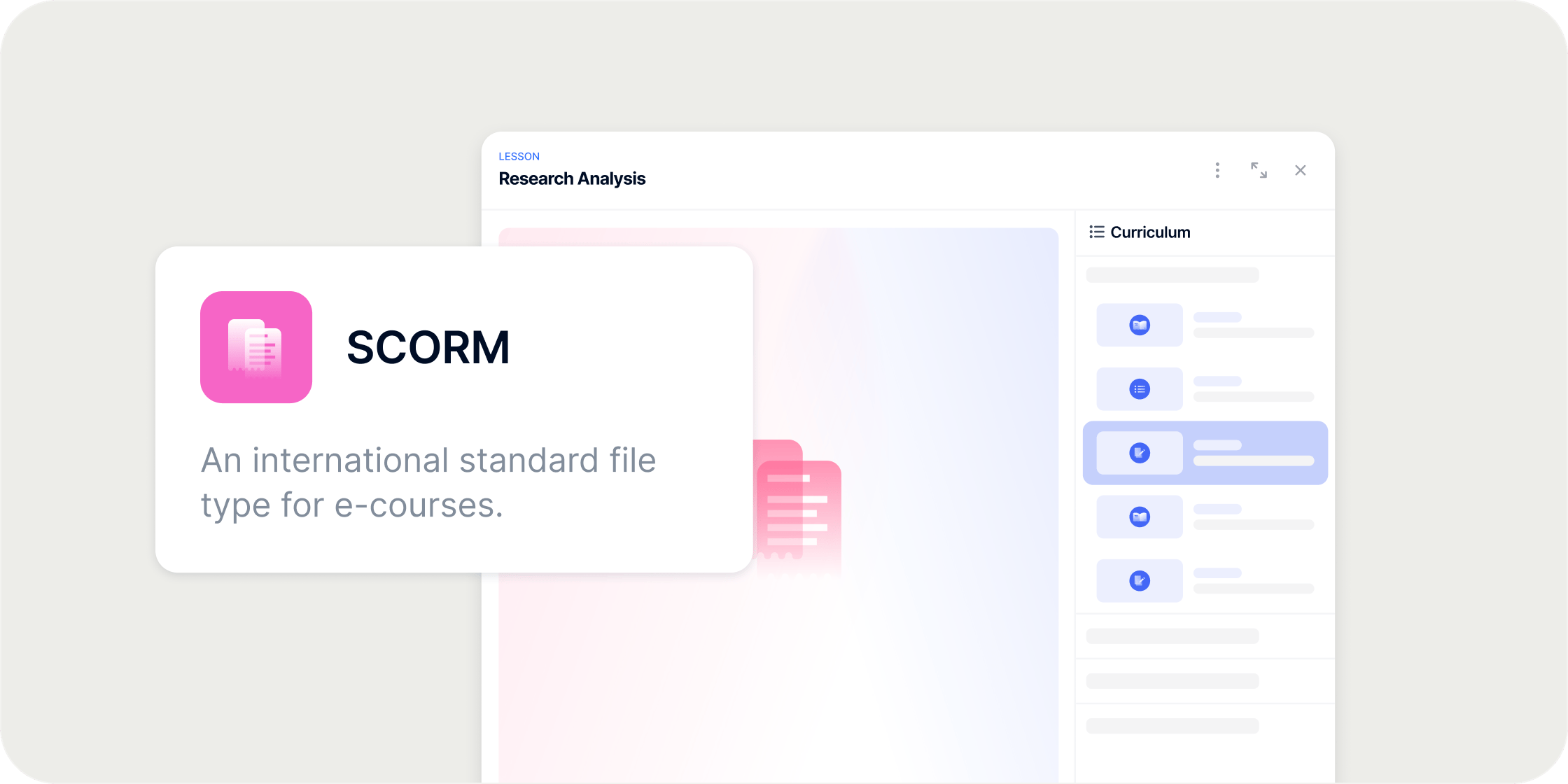
If any of your content was built in an authoring tool like Articulate, Rise, or Storyline, confirm the new platform can run those packages natively rather than requiring a rebuild. Check specifically whether the platform tracks completion and score data automatically, and whether it can gate a member's progression on an activity actually reporting complete, not just uploading successfully.
3. Certificates and completion history
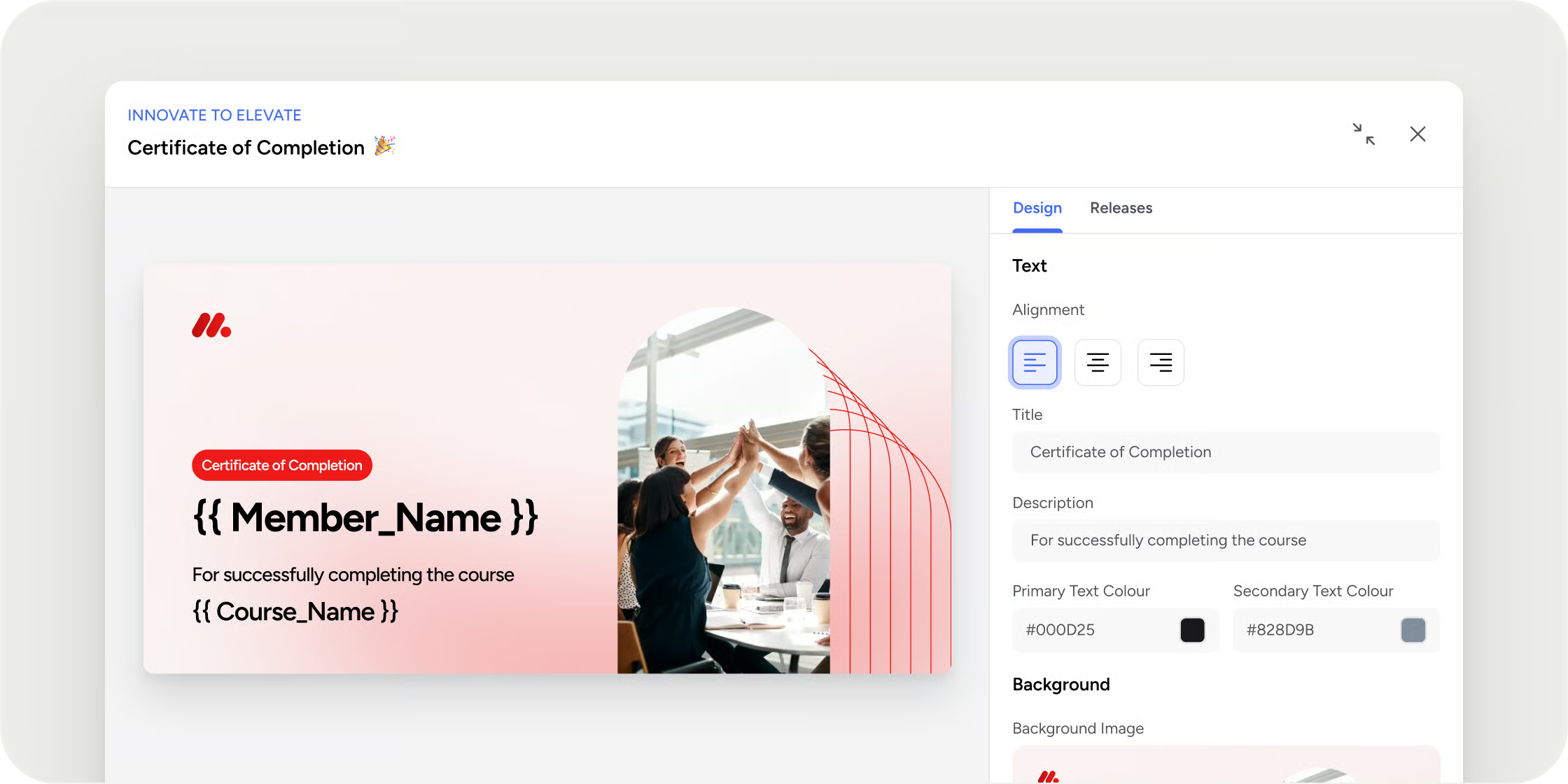
This is the item most teams assume will "just carry over" and the one most likely to disappoint them. Most platforms release certificates based on their own completion tracking, going forward from the day a template is created, not retroactively. If members completed a program on your old platform before the migration, plan for how those members get recognized, whether that means marking their progress complete manually in the new system or handling it outside the platform entirely. Don't assume certificate history migrates with everything else.
4. Member accounts and roles
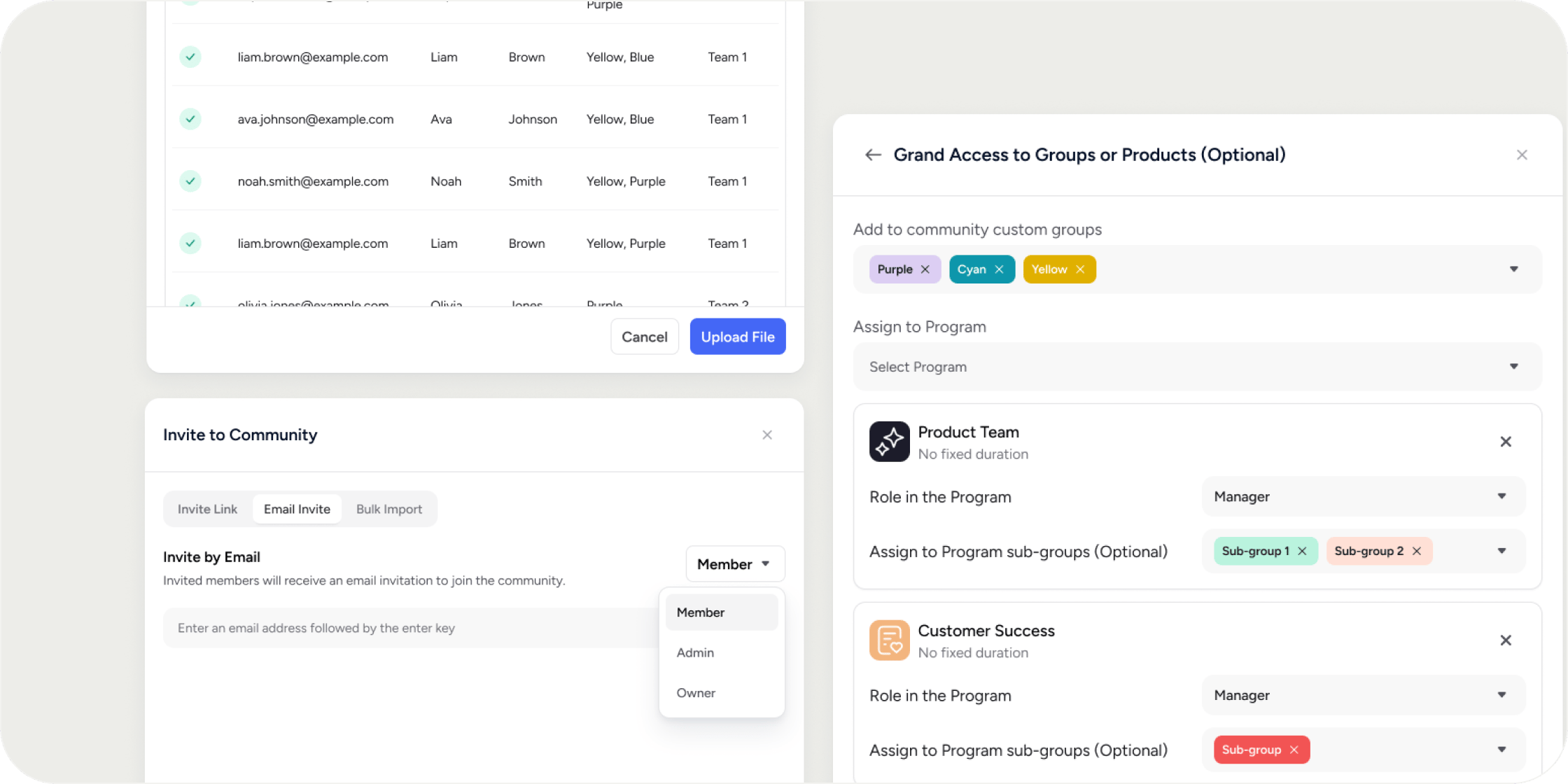
Map out who needs what access before you start moving people over. Community-level roles and program-level roles are often managed separately, and bulk import methods typically only bring someone in at a base member role, so anyone who needs elevated access may need to be invited individually. If you're staging the migration in phases, confirm that deactivating a member preserves their history and reporting data rather than deleting it, so a phased rollout doesn't mean losing data on people who haven't moved over yet.
5. Security and compliance continuity
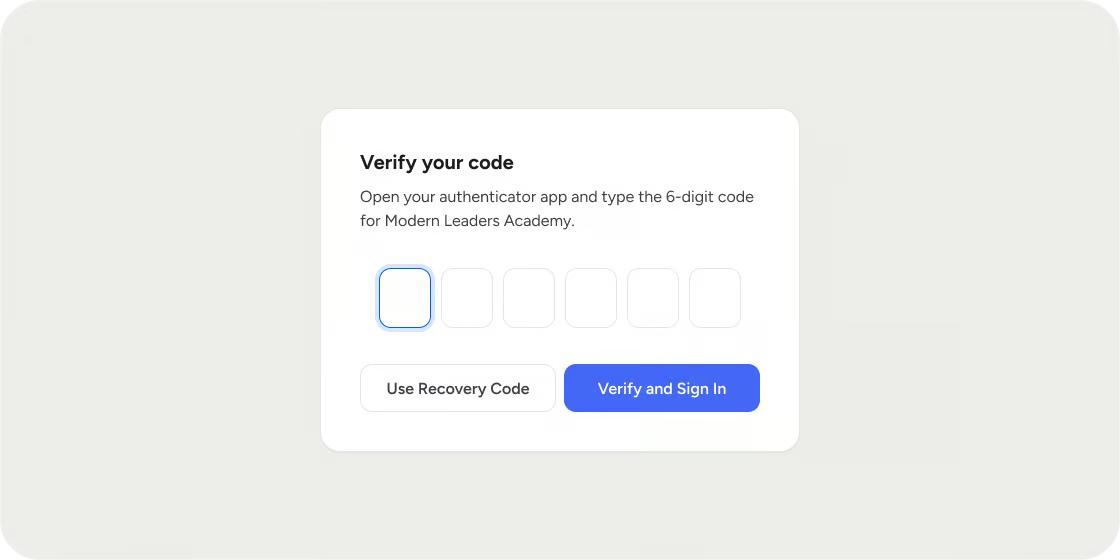
Your security posture shouldn't need re-justifying to your own IT team just because the platform underneath changed. Confirm the new platform supports your identity provider for SSO, has a current SOC 2 report, and is clear on data ownership and GDPR compliance before migration, not after a security reviewer asks.
6. Assessing the actual risks
Most guidance on assessing LMS migration risks treats the migration like a generic enterprise IT project, pulling in horror stories from ERP and data-warehouse migrations that have almost nothing to do with moving a training program. The risks that actually matter here are narrower: losing certificate history you didn't plan for, members landing without the right role or Program access, and content that uploads successfully but doesn't report completion correctly, which is worth testing with a single member before rolling out to everyone.
7. The rollout plan
Decide upfront whether this is a phased migration or a single cutover date, and communicate that plan to members before it happens, not after. A phased rollout, moving one cohort or Program at a time, lowers risk but takes longer and means running two platforms in parallel for a while. A single cutover is faster but means every gap above needs to be resolved before day one instead of being fixed cohort by cohort.
How Disco helps
A handful of these checklist items map directly to how Disco is built, worth knowing as you evaluate against this list:
Certificates and completion history, risk assessment, and the rollout plan itself depend more on your own procurement and implementation process than on a single platform feature, so they're worth planning for regardless of which platform you land on. That said, you don't have to work through them alone: Disco's Customer Success team works directly with new customers on launch planning, so rollout sequencing and risk tradeoffs get worked out with someone who has seen the pattern before, not figured out from scratch internally.
Work through it once, not twice
Best practices for LMS migration all point to the same underlying idea: the fear of migrating is usually bigger than the actual task, but only if you've actually worked through what needs to survive the move. That's a short list you can check off in an afternoon before you start, which turns a migration from something you're dreading into something you're just doing.
LMS migration FAQs
What is LMS migration?
LMS migration is the process of moving your training content, member accounts, and historical data from one learning platform to another. It covers more than the technical transfer: content structure, certificates, roles and permissions, and security or compliance continuity all need a plan before the actual cutover happens.
What are the biggest risks in an LMS migration?
The risks that matter most are narrower than most generic IT migration advice suggests: losing certificate or completion history you didn't plan for, members landing without the right role or Program access, and content that uploads successfully but doesn't report completion correctly. Test with a single member before rolling out to everyone rather than discovering a gap after go-live.
How do I transfer existing courses during an LMS migration?
Start by checking whether your new platform can turn existing raw content, PDFs, videos, decks, into a structured curriculum automatically, rather than requiring a manual rebuild. If any content was built in an authoring tool like Articulate, Rise, or Storyline, confirm the new platform runs SCORM packages natively and tracks completion correctly before you migrate everything over.
What happens to certificates and completion history when I switch platforms?
Don't assume it carries over automatically. Most platforms release certificates based on their own completion tracking going forward, not retroactively. For members who completed a program before the migration, you'll typically need to either mark their progress as complete manually in the new system or handle recognition for that group outside the platform.
Should I migrate all at once or in phases?
Both are valid, and the right choice depends on how many members and Programs you're moving. A phased rollout, one cohort or Program at a time, lowers risk but means running two platforms in parallel for a while. A single cutover date is faster but requires every gap (certificates, roles, content, security) to be resolved before day one rather than fixed incrementally.
What are the best practices for LMS migration?
Work through content mapping, certificates and completion history, member roles, and security and compliance continuity before you start, not during. Most of the fear around migrating comes from generalized enterprise IT horror stories that don't actually describe what moving a training program requires, so a short, specific checklist removes most of the real risk.
How do I ensure security during an LMS migration?
Confirm the new platform supports your identity provider for SSO, has a current SOC 2 report, and is clear on data ownership and GDPR compliance before the migration starts. Your security posture shouldn't need re-justifying to your own IT team just because the underlying platform changed.


